
Instagram Story Size and Dimensions in 2026: The Exact Specs
In short. An Instagram story is 1080 × 1920 pixels, a 9:16 ratio, for photos and videos alike. A video runs up to 60 seconds per story. Keep anything that matters out of the top and bottom 250 pixels, where Instagram draws your username and the reply bar. Facebook Page stories use exactly the same size.
You prepare a story for your business, open it on your phone, and it looks nothing like what you had on screen: the top is cropped, the bottom hides behind the reply bar, the text runs off the edge. The Instagram story size is not complicated, but it does not forgive guesswork. Here are the exact dimensions, the length limits, the areas to avoid, and how to get your stories right without redoing every visual three times.
Instagram story size in 2026: 1080 × 1920 pixels
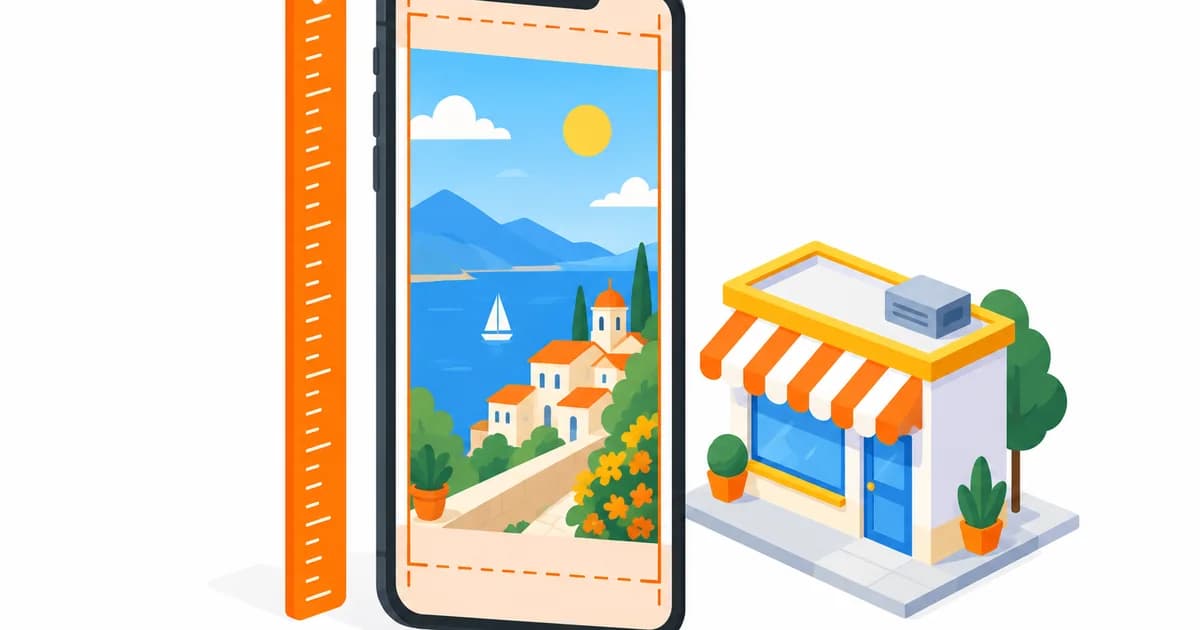
A story fills the whole screen of a phone held upright. The reference format is 9:16, and the recommended size is 1080 pixels wide by 1920 pixels tall. It is the same for a photo and for a video.
Instagram accepts other proportions, but it adapts them itself: a square or landscape image is placed on a colored background, and an image slightly taller than 9:16 is cropped. Either way, you no longer control the result. Starting from the right size is how you keep control over what your customers see.
Instagram story dimensions at a glance
- Size: 1080 × 1920 pixels (width × height).
- Ratio: 9:16, the screen of a phone in portrait.
- Photo: JPG or PNG, ideally under 30 MB.
- Video: MP4 or MOV, H.264 video, AAC audio, ideally under 100 MB.
- Minimum recommended resolution: 720 × 1280 pixels. Below that, Instagram shows a blurry image.
How long an Instagram story lasts
A story stays visible for 24 hours, then disappears from your profile (it remains in your archive, and you can add it to your highlights to keep it on display). During those 24 hours, each element has its own display time:
- a photo shows for a few seconds, long enough to read, then Instagram moves to the next story;
- a video can run up to 60 seconds. Beyond that, Instagram cuts it into several 60-second stories in a row, which makes an awkward sequence. For a business, 10 to 20 seconds is almost always enough.
The safe zones: 250 pixels at the top and bottom
This is the most common mistake. Instagram's interface sits on top of your story: at the top, your account name and the progress bar; at the bottom, the "Send message" field and the buttons. Meta recommends leaving 250 pixels free at the top and 250 pixels free at the bottom of the image.
In practice, on a 1080 × 1920 image, place your text, your logo and anything that matters between pixel rows 250 and 1670. The background can fill the whole height, but nothing important should touch the top and bottom edges. A price written in the last 200 pixels is unreadable: the reply bar sits right on it.
Photo, video or text on a background: which story format for a business
The technical format is the same, but the content changes everything. For a shop, a restaurant, a salon or a practice, three uses come back again and again:
- The photo of the moment: today's special, a new arrival, the refreshed window display. A vertical photo taken on the phone, no editing, does the job. Just check that the subject sits in the middle of the height.
- The short video: a gesture, a demonstration, the atmosphere of an evening. 10 to 20 seconds, filmed vertically from the start. A landscape video turned into a story loses two thirds of the screen.
- The designed visual: an announcement (holiday hours, a promotion, something new) with readable text. This is where the safe zones matter most.
How to crop a photo to the story size without stretching it
A photo taken in landscape or square must be cropped, never stretched. Three ways to do it:
- In the Instagram app: import the photo into a story, then pinch to zoom until it fills the screen. Simple, but you lose the edges without precise control.
- With an editing tool: create a 1080 × 1920 canvas and place the photo inside it. You decide exactly what stays.
- In a scheduling tool: if you prepare your stories ahead of time from your computer, the editor does the cropping for you. In GMB Club, for example, you click Create post, then the Story button, and the editor offers a 9:16 crop: you move the frame over the part of the photo to keep, and the story goes out in the right size. Music can be added on a photo, and the story is scheduled like a post, for Instagram and for your Facebook Page, from the same calendar as your posts.
Is the Facebook story size the same?
Yes. A Facebook Page story follows the same rules: 1080 × 1920 pixels, 9:16 ratio, vertical photo or video, visible for 24 hours. If you publish the same story on Instagram and Facebook, one visual is enough. The one difference worth knowing: stickers (poll, question, link) are added in each network's app and do not carry over from one network to the other.
Three size mistakes that cost you views
- The landscape visual: it shows up small in the middle of a plain background, and people skip it.
- Text stuck at the bottom: hidden by the reply bar, so never read.
- The video that runs too long: cut into several stories, it makes people leave before the end. Instagram's statistics show it plainly: the number of people who "exit" climbs from the second story of the same video.
Frequently asked questions about Instagram story size
What size is an Instagram story?
1080 pixels wide by 1920 pixels tall, a 9:16 ratio. It is the size Meta recommends for a photo as well as a video.
How long can a video be in an Instagram story?
Up to 60 seconds per story. A longer video is cut into several stories that play one after the other.
Can I post a square photo as a story?
Yes, Instagram places it on a colored background. But it fills less than a third of the screen: for a business, crop it to 9:16 instead.
Is the story size the same on Facebook?
Yes, 1080 × 1920 pixels in 9:16, visible for 24 hours. The same visual works for both networks.
Can I prepare my stories in the right size ahead of time?
Yes, with a tool connected to Meta's official API. You upload the image or video, crop it to 9:16, choose the day and time, and the story goes out on Instagram and Facebook without touching your phone. That is what GMB Club does from the Story button in Create post, with the statistics of each Instagram story kept in your reports and your customers' replies in your Messaging.
To see how stories fit alongside your posts, the Social Agent page details the calendar, the networks covered and what a scheduled story can contain.
Frequently asked questions
What size is an Instagram story?
1080 pixels wide by 1920 pixels tall, a 9:16 ratio. It is the size Meta recommends for both photos and videos.
How long can an Instagram story video be?
Up to 60 seconds per story. A longer video is cut into several 60-second stories shown one after the other.
Can I post a square photo as a story?
Yes, Instagram places it on a colored background, but it fills less than a third of the screen. For a business, crop it to 9:16 instead.
Is the Facebook story size the same?
Yes, 1080 × 1920 pixels in 9:16, visible for 24 hours. The same visual works for both networks.
Can I prepare stories in the right size ahead of time?
Yes, with a tool connected to Meta's official API. You upload the image or video, crop it to 9:16, pick the day and time, and the story goes out on Instagram and Facebook without touching your phone.